20 random bookmarks
stuff me collect
stuff me collect
Deja is a smarter replacement for zsh-autosuggestions. Instead of only surfacing commands that start with what you've typed, Deja uses fuzzy matching, directory awareness, and command sequence prediction to suggest what you actually want to run — as inline ghost text, after every keystroke, with zero latency.
Type safety and ergonomics, with full interop.
Enums and pattern matching
Error handling with ?
Nil safety
Clear error messages
Quickshell is a toolkit for building status bars, widgets, lockscreens, and other desktop components using QtQuick. It can be used alongside your wayland compositor or window manager to build a complete desktop environment.
In this game, we will build the basic theory of the natural numbers {0,1,2,3,4,...} from scratch. Our first goal is to prove that 2 + 2 = 4. Next we'll prove that x + y = y + x. And at the end we'll see if we can prove Fermat's Last Theorem. We'll do this by solving levels of a computer puzzle game called Lean.
Do this full body split 3 times a week. The goal is to get your form down pat on the most basic and most important exercises in the gym.
Trigger warnings for movies, TV, books, video games and more!
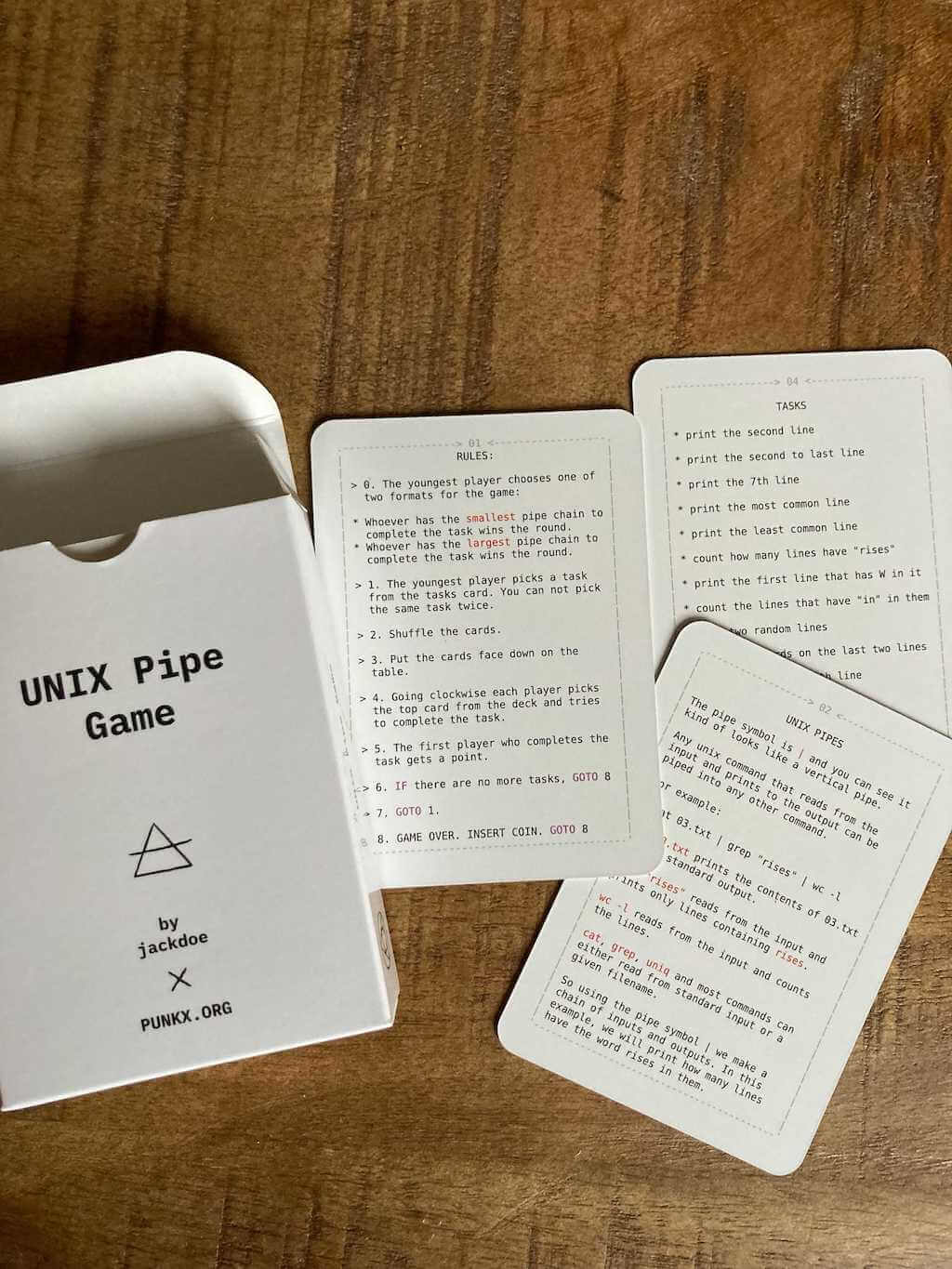
This is a card game for teaching kids how to combine unix commands through pipes.
Эту статью я пишу во многом для нескольких друзей, которые решили приобщиться к этому тренду, и здесь будет обзор моего личного self hosted - про всякие разные штуки, которые показались полезны лично мне, и плотно заняли своё место на моём домашнем сервере.
Very good article about how queueing works, different methods to handle high load. Super cool interactive examples with animations!
Similarly, one might begin to talk instead of watching talk-shows and to play instead of watching game shows — To value the entire spectrum of sensations as necessary members of the whole that is the deliberate existence, with its potential for failure, awkwardness, loneliness, harm and death included.
Кажется уже не получится "улучшить" эл. почту. Нужна новая децентрализованная технология. Как сделать её простой для обычных пользователей? Как убедиться, что никто не сможет украсть или заблокировать твою личность? Идентификации просто по публичному адресу уже давно не достаточно.
Мессенджеры полностью заменили почту в плане общения, возможно их надо доработать?
Кстати, бетулу можно использовать как твиттер Х микроблог
This is a book about building applications using hypermedia systems.
I can't get the noise out of my head. People who watch the video express awe and disgust. And that is why Dutch software developer Bert Hubert's experiment is so powerful. It doesn't really uncover something that we shouldn't already know. Something we often choose to ignore. The brilliance is
Classic MacOS & GS/OS widget library for linux (and other?) - buserror/libmui
Interactive introduction to grep with real-world use cases.